
TapFlow Logo TapFlow Contact Us
Contact Us

Touch Target Sizing: The 44-Pixel Standard Explained

Why 4444 pixels isn’t arbitrary. We break down the science behind comfortable touch targets and how spacing affects accuracy on moving vehicles.

Close-up of fingers tapping on smartphone screen during commute, showing touch-friendly interface design

The Problem with Tiny Targets

You’re on the MRT. The train lurches. Your finger slips. You’ve just hit the wrong button — again. This isn’t carelessness. It’s physics.

Most websites don’t account for real-world touch. They’re designed on stable desks by people holding perfectly still devices. But commuters in Singapore aren’t stable. They’re balancing phones while holding grab bars, navigating during peak hour when the train is packed, or using one hand while carrying shopping bags.

The 4444 pixel standard exists because of these real conditions. It’s not arbitrary. It’s biomechanics meeting design.

Key Standard

4444 pixels minimum

Comfortable for adults with average-sized fingers, tested across multiple touch platforms

The Science of Finger Size and Accuracy

Human fingers aren’t precise instruments. An average adult’s fingertip spans roughly 10-12mm across. That’s about 38-45 pixels at standard screen density. But here’s where it gets interesting — we don’t tap with just the tip.

Touch Contact Area : When you tap a screen, your finger creates a contact patch roughly 8-10mm in diameter. The pressure isn’t evenly distributed — it’s stronger at the center, tapering at the edges. Your brain aims for the center of this patch, but that’s not always where you intended.

On a moving train, this variability multiplies. A study by MIT’s Touch Lab found that accuracy drops by 23% when users are in motion compared to stationary. The swaying of the train, the unconscious micro-movements to maintain balance — they all affect where your finger actually lands.

The 44-pixel standard accounts for this. It’s not just big enough to hit. It’s big enough to hit reliably while standing on a crowded train during rush hour.
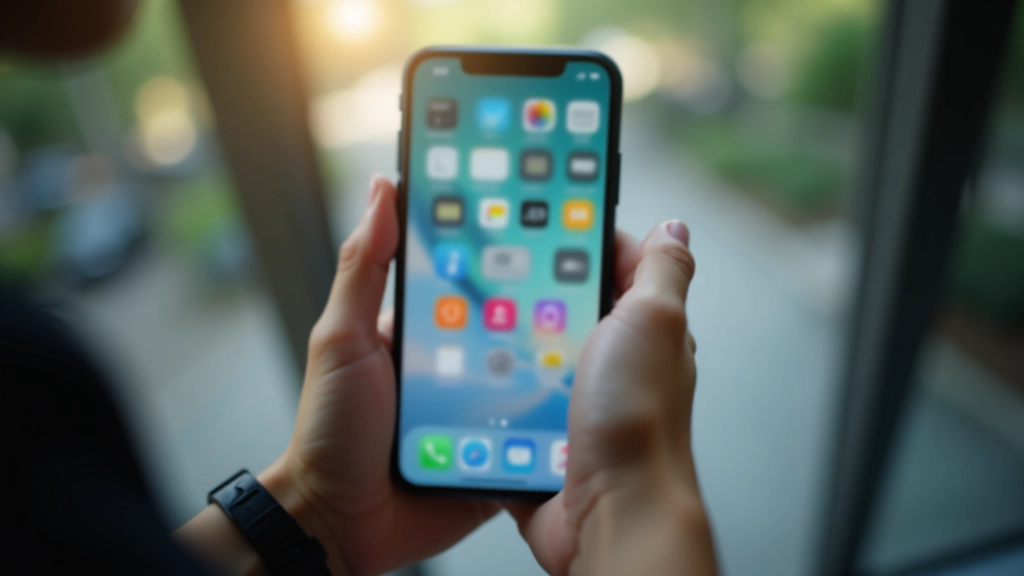
Diagram showing touch target zones and finger contact areas on a smartphone screen
Mobile interface showing properly spaced touch targets with clear visual hierarchy and comfortable spacing between interactive elements

Spacing: The Hidden Half of the Equation

A 4444 pixel button is only half the solution. The space around it matters just as much. You’ve probably experienced the frustration of trying to tap a small button next to another small button — your finger catches both. You’re not being clumsy. The targets are too close.

The 8-Pixel Rule : Leave at least 8 pixels of space between touch targets. On a crowded MRT, this becomes 16 pixels of total separation. It sounds minimal, but it’s the difference between tapping the right button and triggering a cascade of errors.

Apple’s Human Interface Guidelines recommend 4444 pixels. Google Material Design suggests 4848 pixels. Both organizations arrived at similar numbers through different testing — it’s a convergence point for human ergonomics.

Singapore’s rapid transit environment makes this especially critical. Users aren’t casually browsing. They’re checking train schedules, confirming payment details, or confirming bus bookings — all with seconds to spare and zero margin for error.

Real-World Implementation for Commuters

Knowing the standard is one thing. Building for it is another. Most interfaces still violate the 44-pixel rule. Email clients shrink buttons. Navigation tabs become slivers. Pagination links turn into a minefield.

For Singapore’s MRT users, this creates friction. A commuter pulls up their payment app to tap-in at Tampines. The button’s only 36 pixels. Their finger overshoots. The train moves. They tap again, harder. The app registers a double-tap and opens a transaction history screen instead.

Practical Implementation : Design your buttons with padding that creates 4444 pixel touch areas, even if the visible label is smaller. Use flexbox with generous gap values (16-24 pixels) between interactive elements. Test on real devices in motion — use a stabilizer or have someone shake the device gently while you tap.

The best interfaces make this invisible. Users never think about the spacing. They just know the app feels responsive and accurate, even when the train’s packed and they’re standing on one leg.

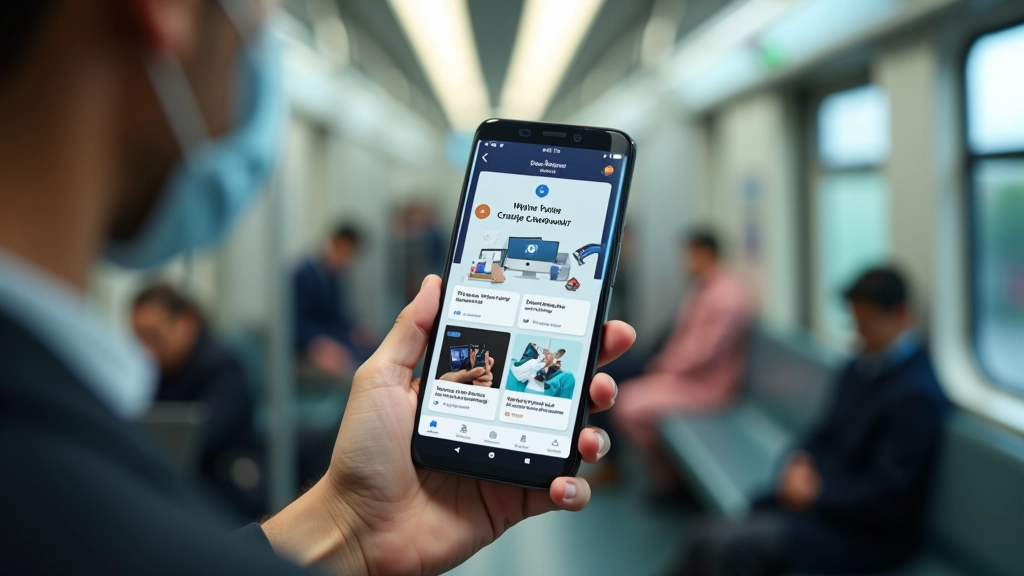
Person using smartphone while standing on crowded MRT train, showing realistic mobile interaction in motion
Mobile interface comparison showing before and after touch target optimization with improved spacing and button sizes

Beyond the Minimum: Thumb-Friendly Zones

4444 pixels is the baseline. But Singapore’s design community has learned that bigger targets create better experiences. Many apps now use 5656 or even 6464 pixel touch targets for critical actions.

Thumb reachability matters too. For one-handed use (common on crowded trains), place critical buttons in the lower 60% of the screen. Secondary actions can live in the top area. This isn’t rocket science — it’s respecting how people actually hold phones.

Progressive Enhancement : Start with 4444 pixels as your minimum. For critical actions like “Confirm Payment” or “Emergency Stop,” go to 5656. For frequently-used features on commute apps, go bigger. The extra pixels cost nothing. Missed taps cost user trust.

The most successful commute-focused apps in Singapore don’t skimp on target sizes. They understand that a user with 10 seconds to check their balance before their train arrives doesn’t have time to retry a tap.

The Standard Exists for a Reason

The 44-pixel standard isn’t a suggestion. It’s the result of decades of ergonomic research, user testing across millions of interactions, and real-world observation of how people use phones. When you respect this standard, you’re not following an arbitrary rule. You’re designing for human biology and real-world conditions.

In Singapore’s rapid transit environment, this becomes even more critical. Users are in motion. They’re multitasking. They’ve got seconds to complete transactions. A well-sized touch target is the difference between a smooth commute and a frustrating one.

Next time you’re designing an interface for mobile users, remember the crowded MRT platform. Remember the person balancing a phone with one hand while holding a grab bar. Build for them, and you’ll build something that works for everyone.

About This Content

This article presents educational information about touch target sizing standards and mobile interface design principles. The 4444 pixel standard is based on established guidelines from Apple (Human Interface Guidelines) and Google (Material Design). Specific measurements and recommendations may vary based on your device type, user demographic, and application context. Always test your interfaces with real users in real-world conditions. Design standards evolve as technology changes and user behavior patterns shift.

Marcus Chua

Author

Marcus Chua

Senior Mobile Experience Designer

Senior mobile experience designer with 12 years crafting thumb-friendly interfaces for Singapore’s urban commuters and Southeast Asian users.